Nota
L'accesso a questa pagina richiede l'autorizzazione. È possibile provare ad accedere o modificare le directory.
L'accesso a questa pagina richiede l'autorizzazione. È possibile provare a modificare le directory.
Note
Community interest groups have now moved from Yammer to Microsoft Viva Engage. To join a Viva Engage community and take part in the latest discussions, fill out the Request access to Finance and Operations Viva Engage Community form and choose the community you want to join.
This article reviews the commands in Microsoft Visual Studio Tools that help you determine how elements are used in an application.
Because of the large number of elements in a typical application, Microsoft Visual Studio Tools includes commands that make it easier to determine how an element is used.
Finding where elements are used
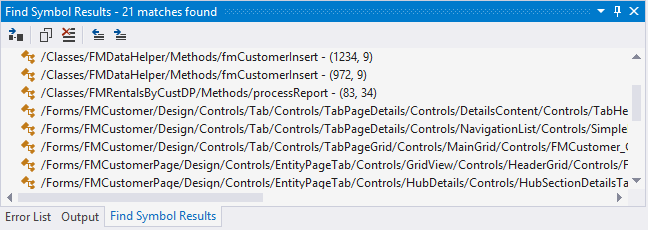
During build operations, the tools generate cross-reference information that you can use to show how elements are used. You can right-click an element and then select Find References to display a list of the locations where that element is used. When you select one of the items in the list, the designer for the element opens.
Viewing a reference diagram
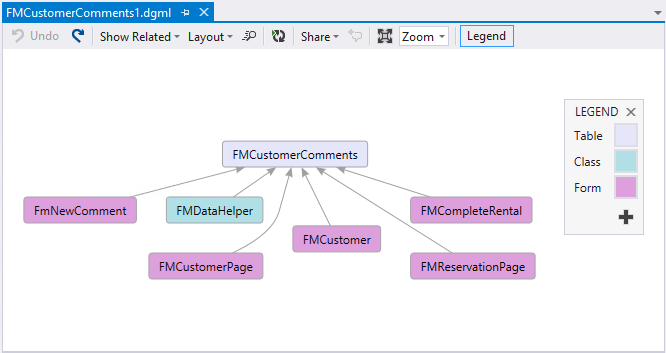
When you right-click some higher-level elements, such as tables, you see the View Reference command. This command produces a graphic that shows the elements that are related to the current element. You can right-click the items in the graphic and then select Go To Definition to navigate to those elements.